Login & Password Recovery
Card Not Present › Merchant Backoffice › Login
How to access the Merchant Backoffice and recover your password
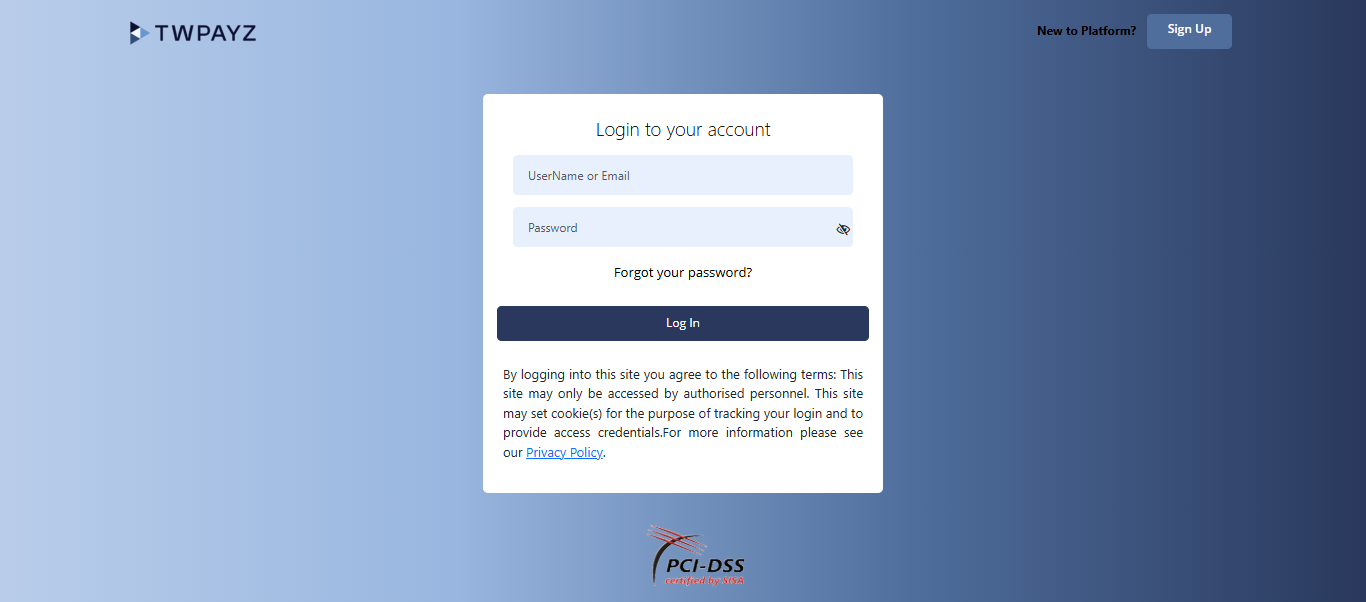
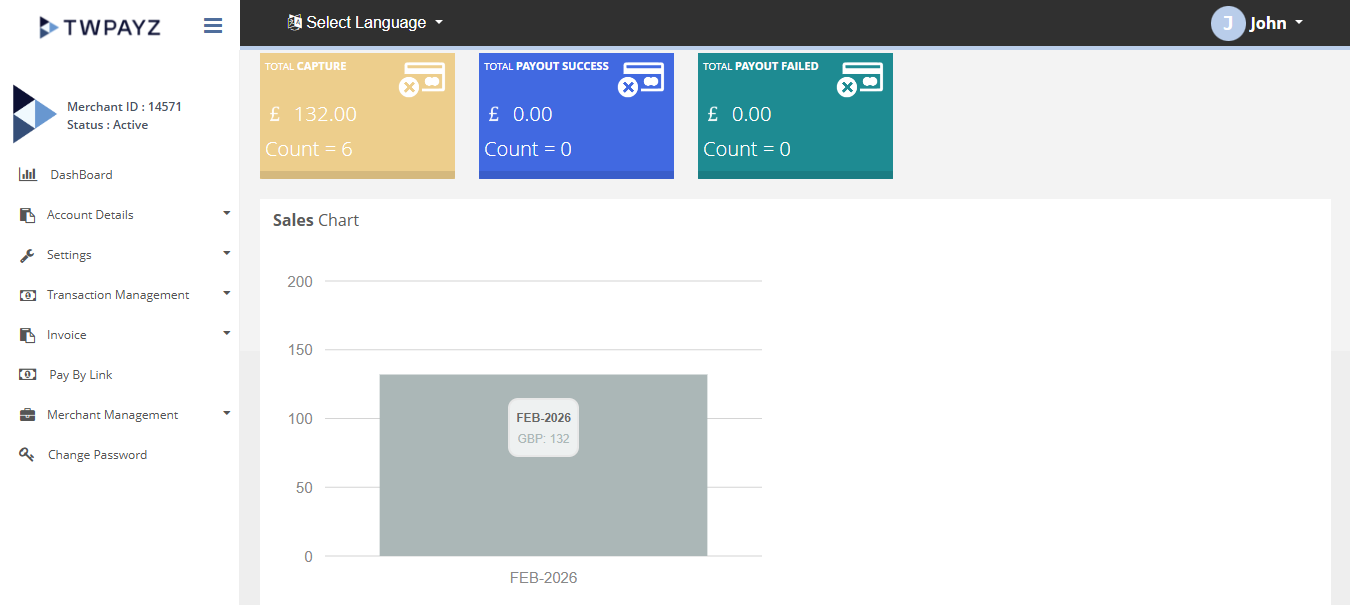
Logging In
Navigate to the Merchant Backoffice URL provided in your welcome email. Your username and password were sent to you at account activation.
- 1Open any web browser and go to your TWPayz Merchant Backoffice URL.Login page loads showing the TWPayz logo and login form.
- 2Enter your username (email address) and password.Credentials entered into both fields.
- 3Click Login.Merchant home page loads. You are now inside the Merchant Backoffice.
Sessions expire after a period of inactivity. If you are mid-task and step away, your session may expire — save any work before leaving the screen.
Password Recovery
- 1On the login page, click the Forgot Password link.Password recovery form appears.
- 2Enter your registered username (email address) and submit.Request submitted to TWPayz support team.
- 3Check your registered email inbox for password reset instructions from TWPayz.Email received with reset link or temporary credentials.
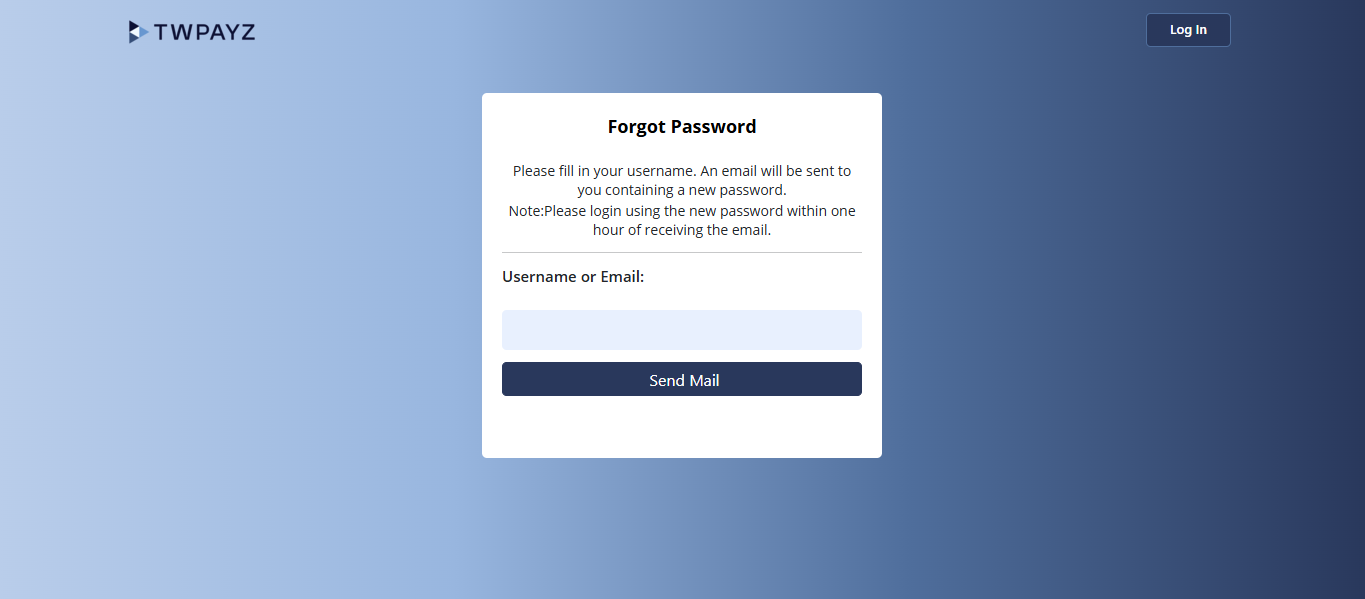
If you do not receive the reset email within 15 minutes, check your spam folder. If still nothing, contact TWPayz support: support@twpayz.co.uk | +44 20 3129 9840