Invoice Configuration
Card Not Present › Invoicing › Configuration
Set your invoicing defaults before creating your first invoice
Navigate to: Merchant Backoffice → Merchant Invoice → Invoice Configuration
These settings apply as defaults to all new invoices. You can override most settings on a per-invoice basis when creating an invoice.
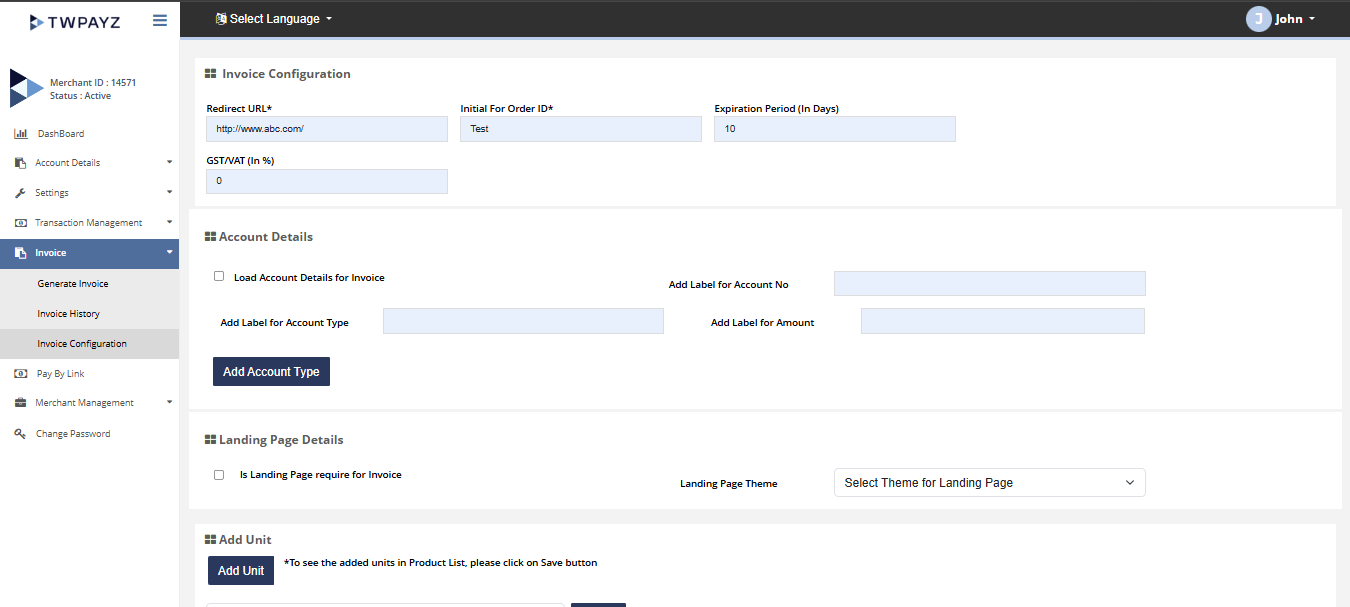
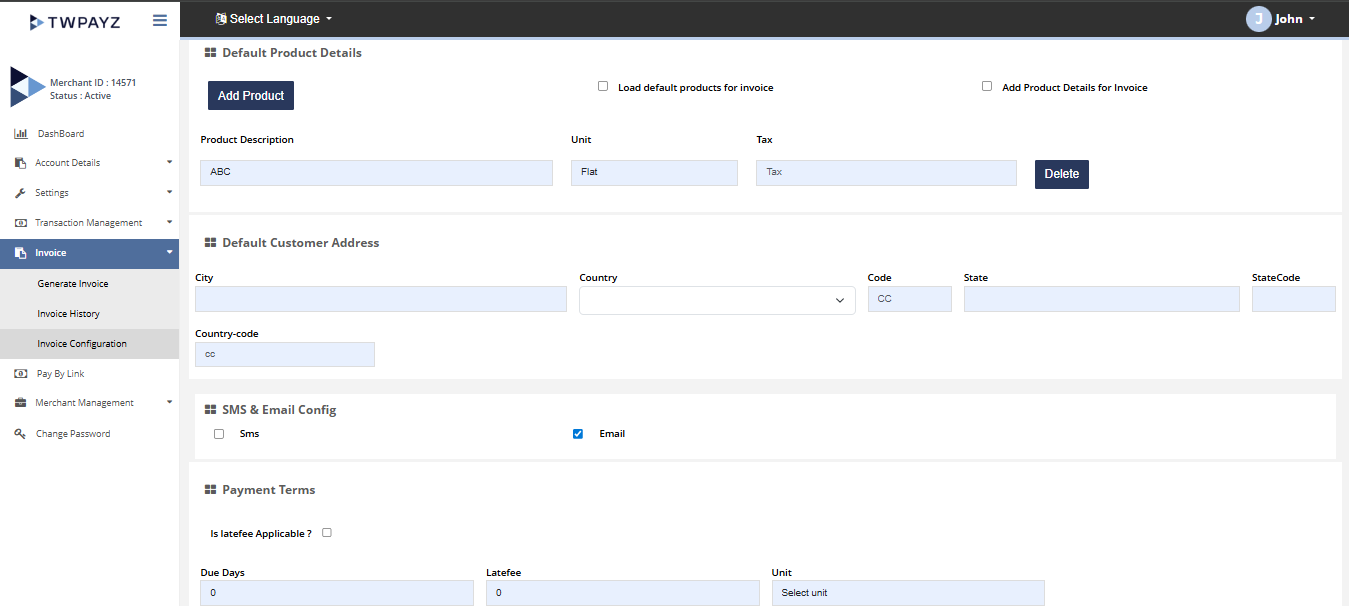
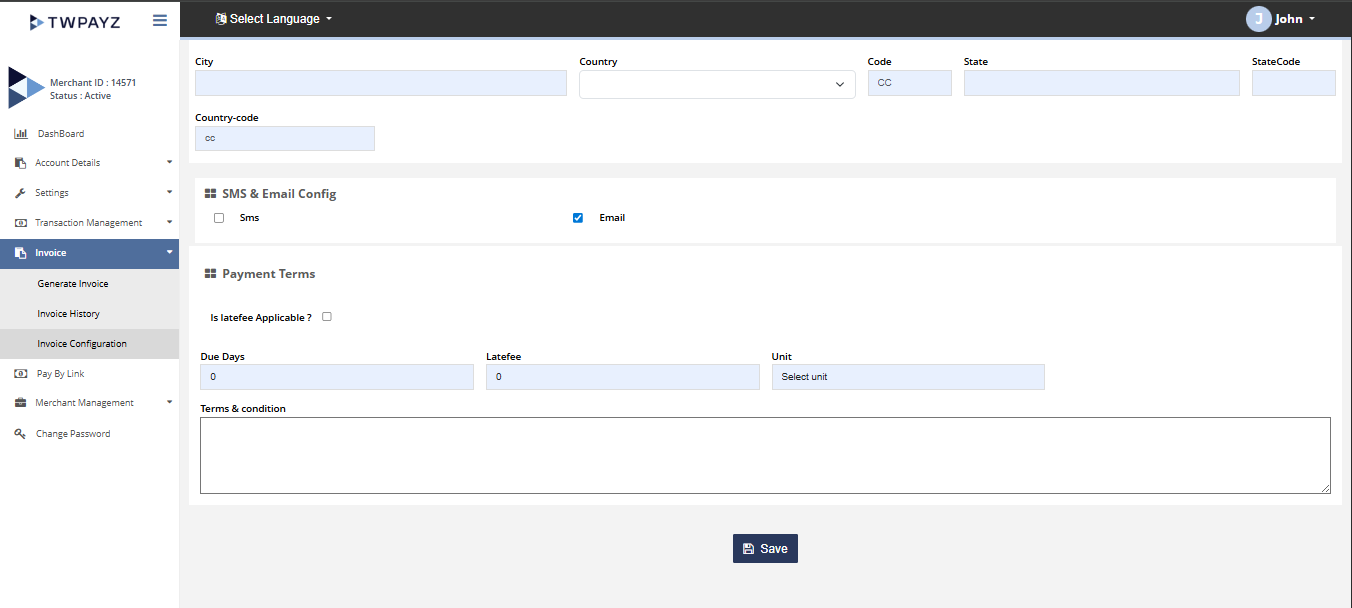
| Setting | What it controls | Recommended value |
|---|---|---|
| Default Currency | The currency pre-selected when creating new invoices. Can be overridden per invoice. | Set to your primary trading currency (usually GBP). |
| Invoice Prefix | Text added before the auto-generated invoice number. Creates invoice references like INV-001, RC-042, or TAX-123. | Use a short meaningful prefix: INV (general), TAX (for tax invoices), RC (receipts). Once set, keep it consistent. |
| Expiration Period | Number of days before an unpaid invoice automatically expires and its payment link becomes inactive. | 7–30 days for most businesses. For urgent payments set 3–5 days. Overdue invoices require a new one to be issued. |
| VAT (%) | Default VAT rate applied to new invoice line items. You can set a different rate per line item when creating the invoice (e.g. 0% for VAT-exempt items). | Set to your standard VAT rate: 20% for most UK-registered businesses. Set to 0% if you are not VAT-registered. |
| Invoice Redirect URL | Optional. A custom web page shown to the customer after they complete payment (e.g. a thank-you page on your website). | Optional. Leave blank if you do not have a custom thank-you page. |
- 1Set each field according to your business requirements.Fields populated.
- 2Click Save.Settings saved. All new invoices created from this point will use these defaults.
Configuration changes only apply to invoices created after the change. Previously issued invoices are not affected.