Reports — Castle S4
Card Present › Castle S4 › Reports
Transaction history and end-of-day summary reports directly from the terminal
Transaction History
View a complete list of all transactions processed on the terminal, directly from the device. Useful for quick lookups during the day — full reporting is available in the TWPayz Merchant Backoffice.
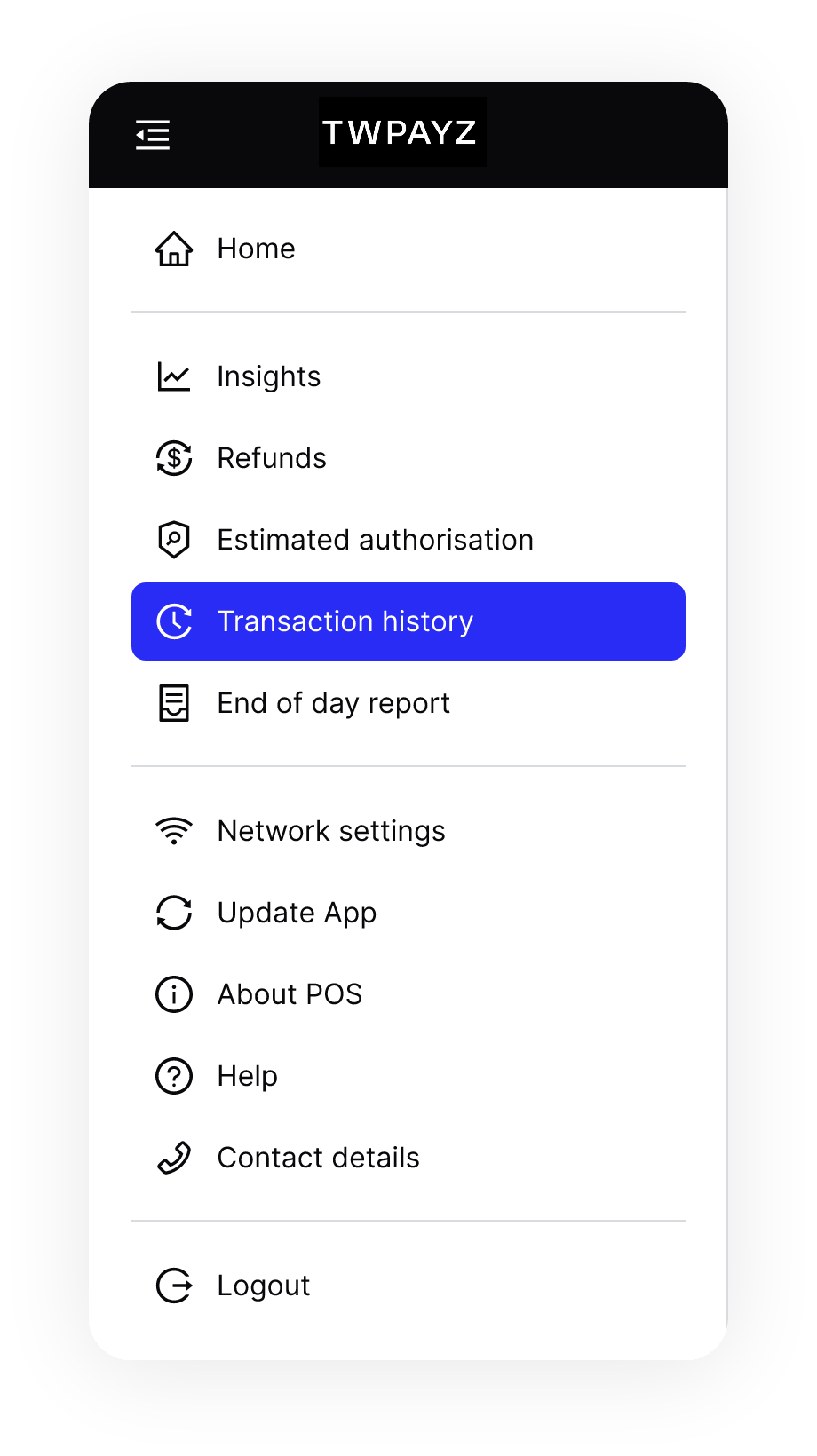
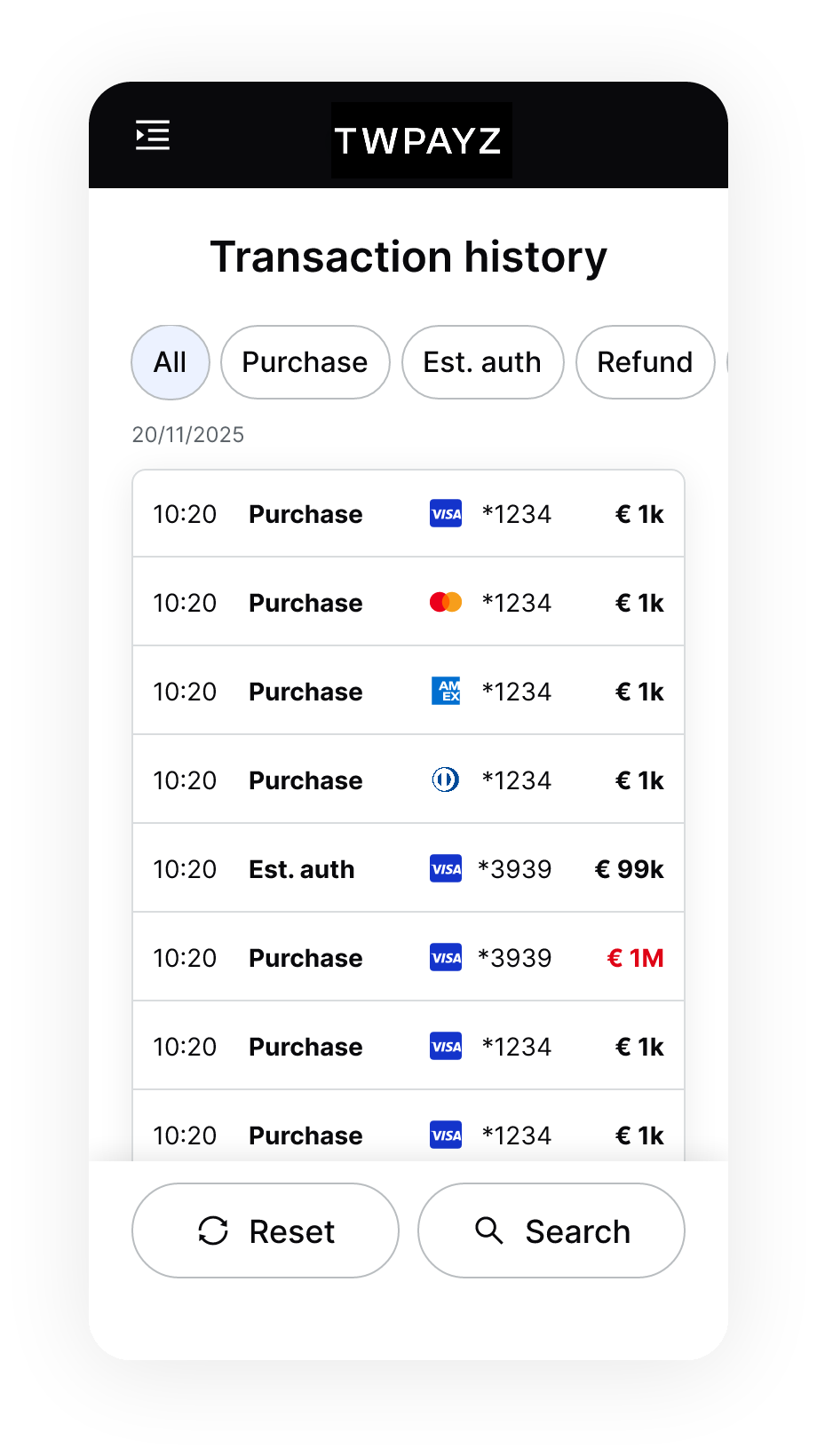
- 1Tap the menu icon (top-left). Select Transaction History.Full list of recent transactions displayed, most recent first.
- 2Scroll through or use filter options to narrow by date range, status, or amount.Filtered list displayed.
- 3Tap any transaction row to see full detail.Transaction detail view shows: amount, card brand, masked card number (last 4 digits), entry mode, authorisation code, date and time, and current status.
End-of-Day Report
The end-of-day report prints a batch summary for the trading day, showing total transaction count, total value processed, and a breakdown by card brand. Run this at close of business each day.
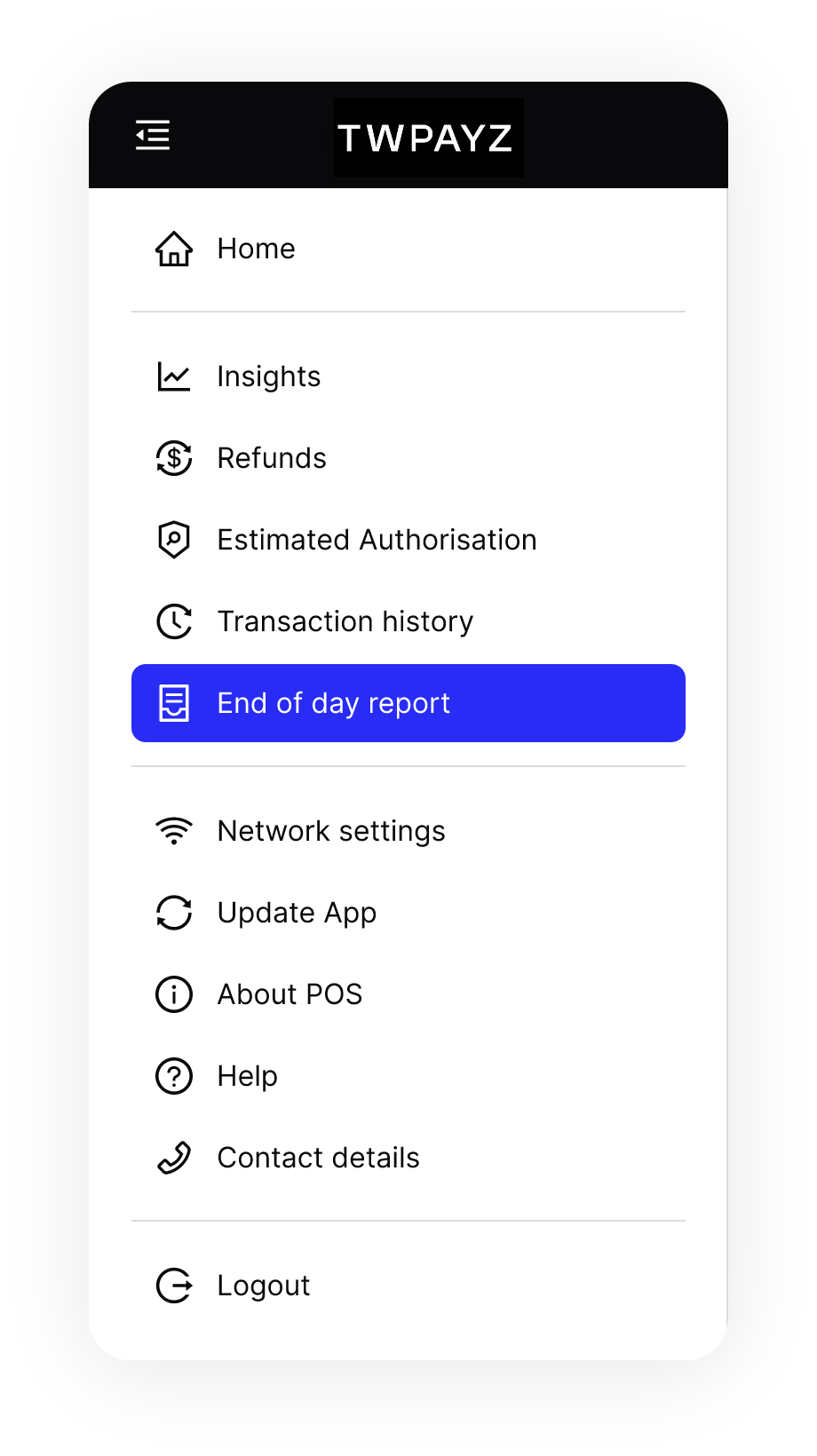
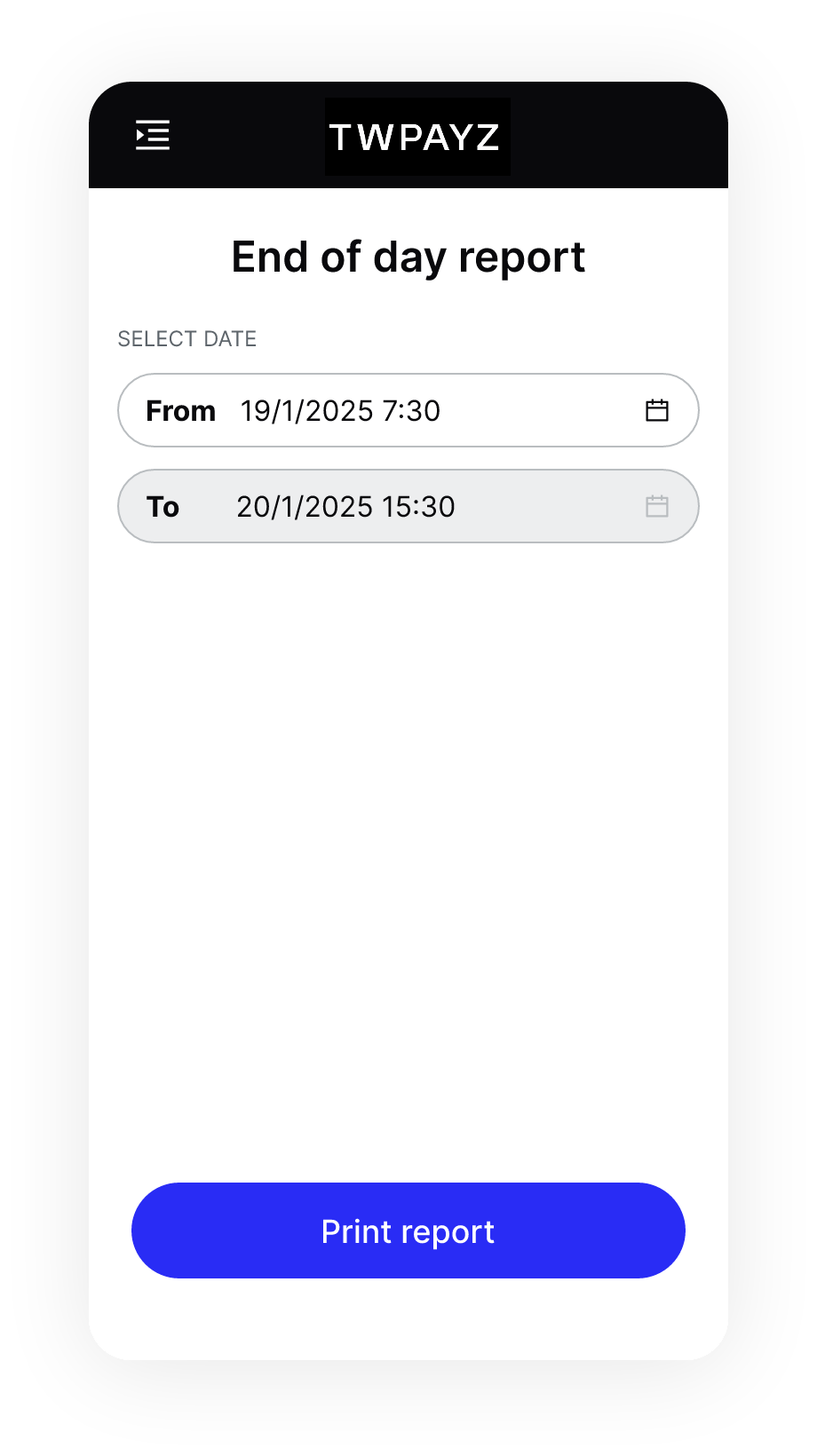
- 1Tap the menu icon. Select End of Day (or Z Report).Report generates automatically from the day's transactions.
- 2Review totals on screen.Summary visible: total count, total value, breakdown by card type.
- 3Select Print to produce a paper copy for your records. Select Done to close without printing.Report prints. Day's batch is submitted for settlement.
Run end-of-day once per trading day. Running end-of-day triggers the batch settlement with TWPayz for that day's transactions. Funds from that day will be settled to your bank account on the next working day. If you do not run end-of-day, transactions may be delayed in settlement.
The full transaction report with all fields, export to CSV/Excel, and multi-terminal reporting is available in the TWPayz Merchant Backoffice under Account Details → Reports.