Settings - Password
Keeping your account credentials current
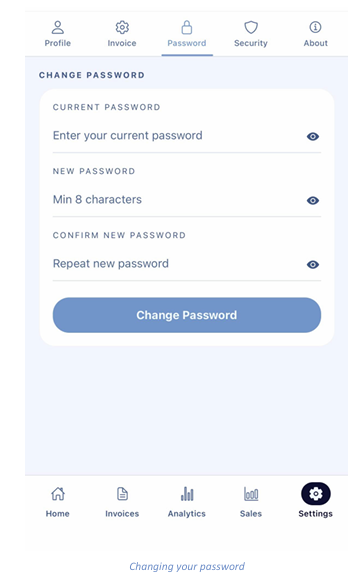
Open the Password sub-tab to change your sign-in password.
- Enter your Current Password.
- Enter a New Password of at least 8 characters.
- Retype it under Confirm New Password.
- Tap Change Password.
Each field has an eye icon on the right so you can check what you have typed before submitting.