Virtual Terminal
The Virtual Terminal feature allows merchants to process transactions on behalf of customers by securely entering payment and customer information through a selected terminal.
How to access pages?
After logging in to the Merchant Backoffice, navigate to Virtual Terminal in the left-hand navigation menu and select the desired terminal.
How to place a transaction?
To process a transaction through the Virtual Terminal:
- Select the terminal through which you want to process the transaction.
- Enter the required information:
- - Transaction details
- - Credit card details
- - Customer details
- - Billing Address
- Review and agree to the applicable terms and conditions.
- Click Pay Now to submit the transaction.
This feature enables merchants to process transactions on behalf of customers using the customer's payment and billing information.
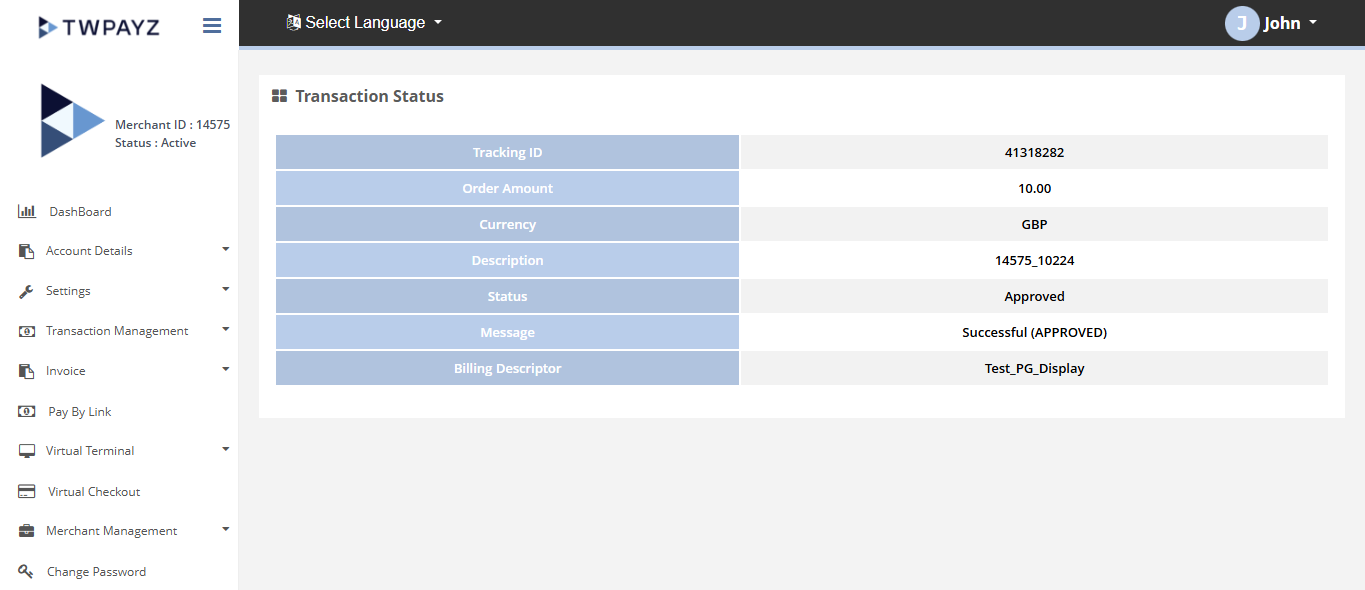
Result details
Once submitted, the transaction will be processed through the selected terminal. The system will display the transaction result and relevant processing details.
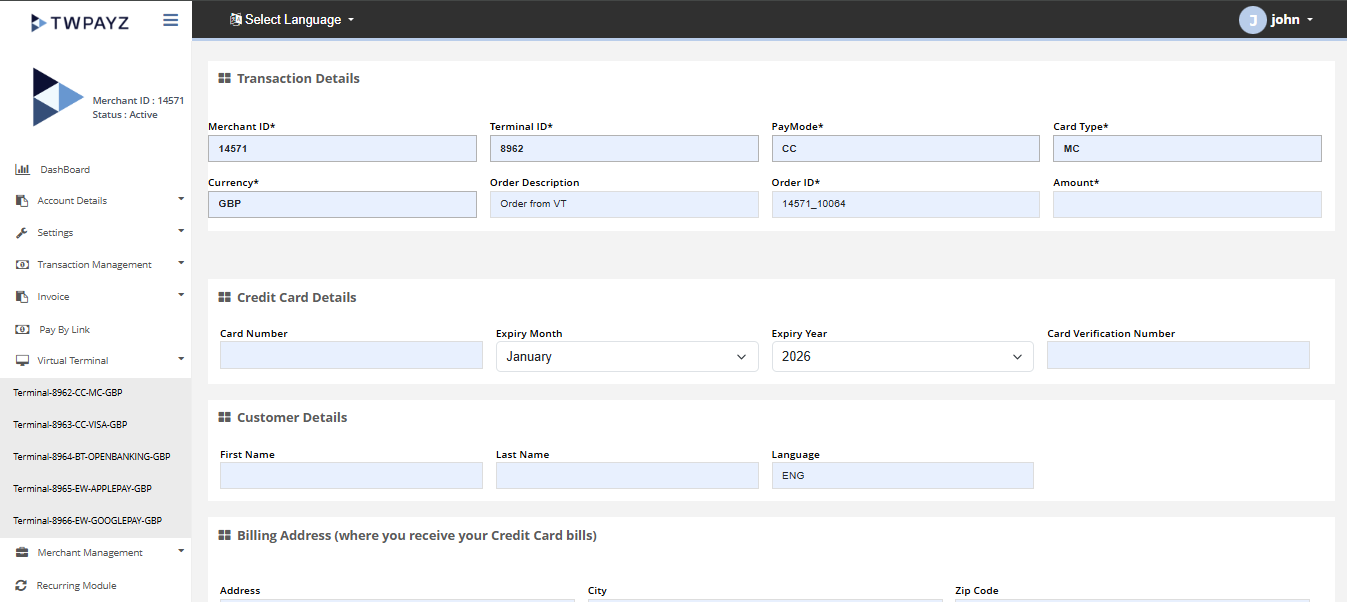
Virtual terminal transaction page
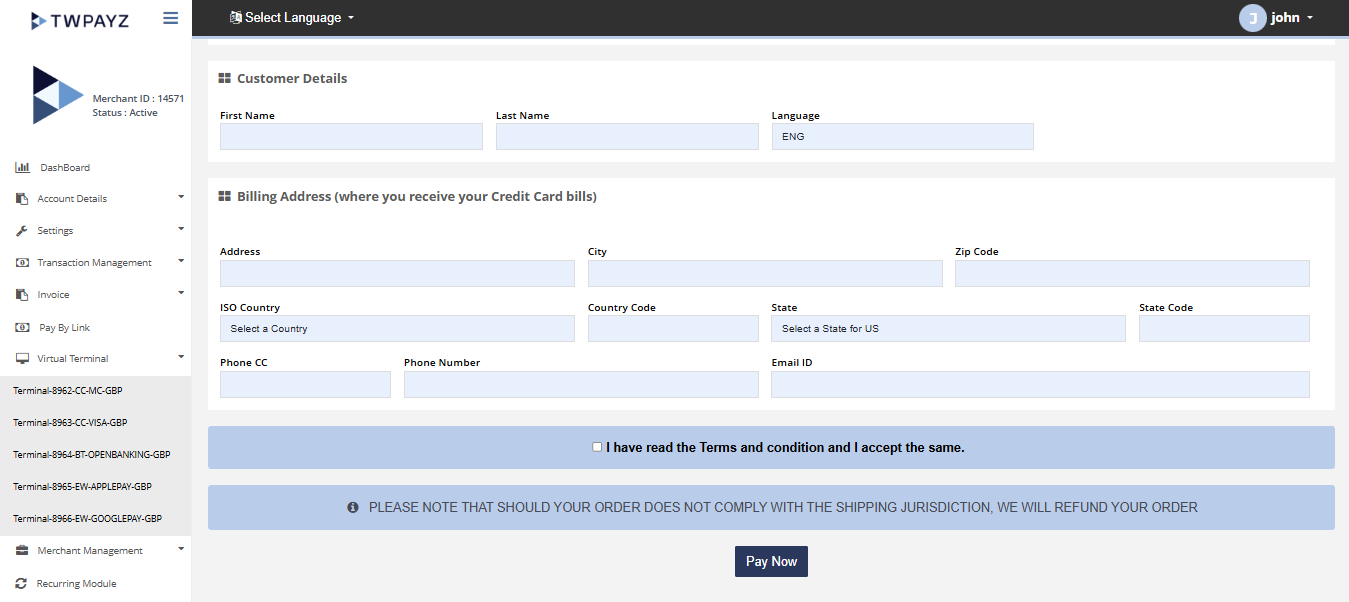
Virtual terminal transaction page