Pay By Link
The Pay By Link feature allows merchants to generate a secure payment link and send it to customers for completing a transaction.
How to access pages?
After logging in to the Merchant Backoffice, select Pay By Link from the left-hand navigation menu.
How to place a transaction?
To generate a payment link, provide the following details:
- - Order Id
- - Order Description
- - Amount
- - Select Terminal
- - Link Expiry Time
- - Customer Details
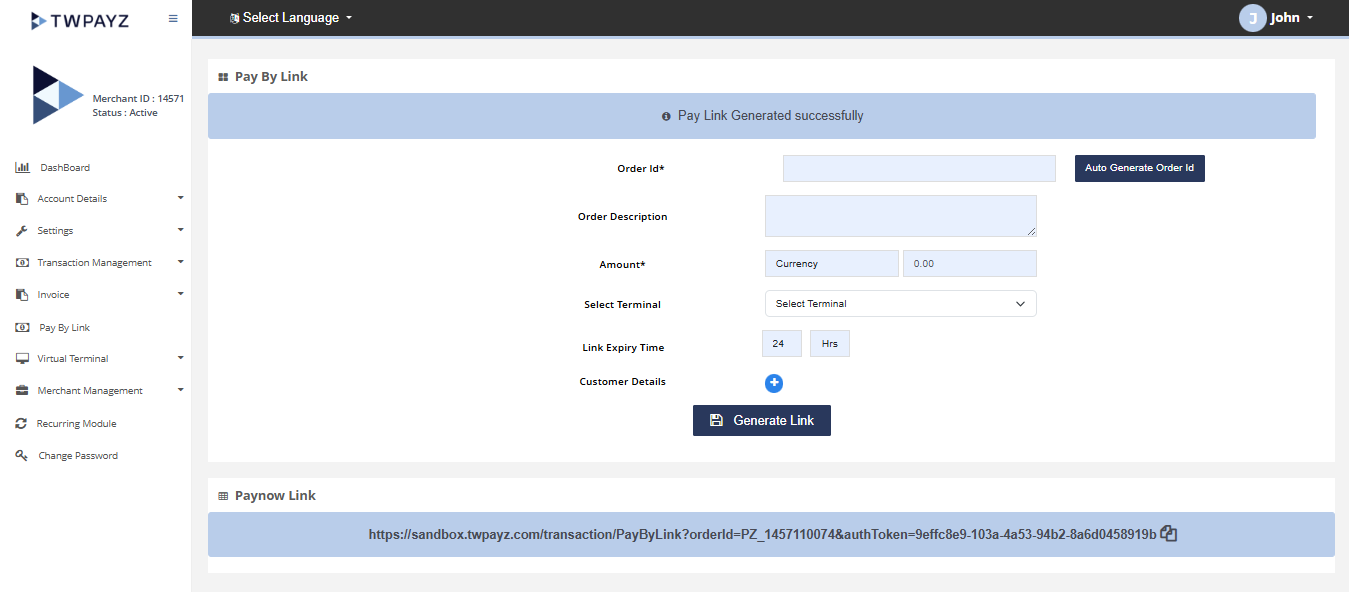
Once all required information has been entered, click the Generate Link button. A payment link will be generated and can be shared with the customer to complete the transaction.
Result details
The generated payment link enables customers to securely complete their payment. Merchants can use this feature to initiate transactions without requiring direct integration with a checkout page.
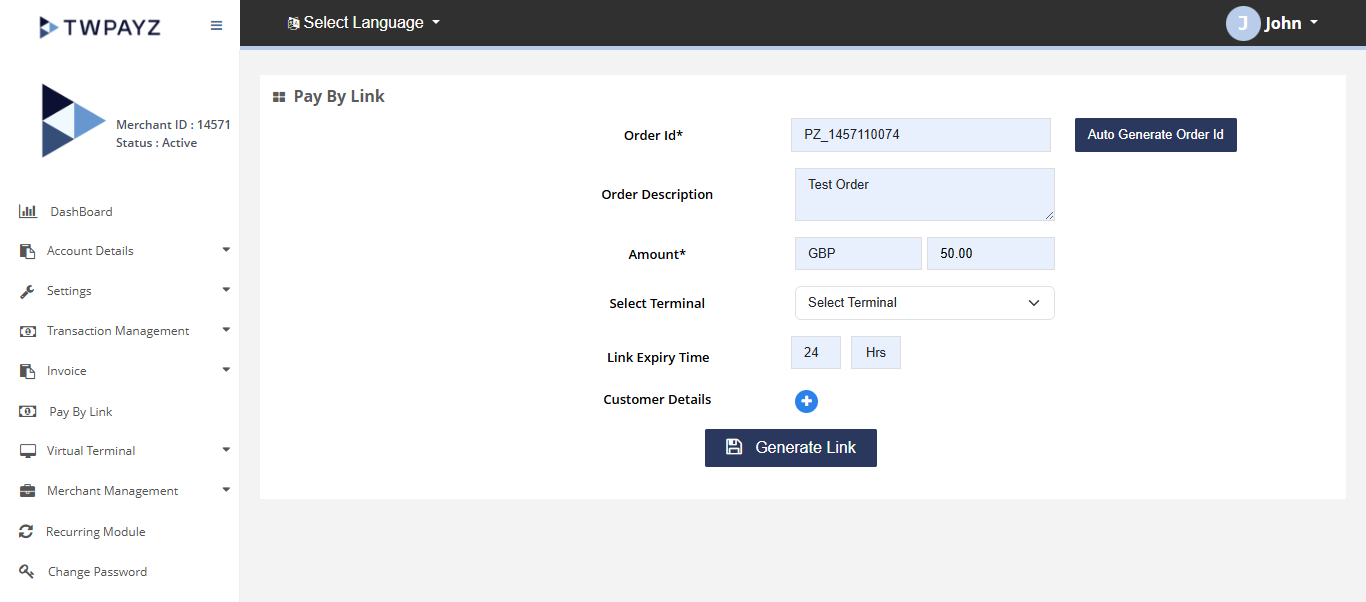
Pay By link page