Merchant Dashboard
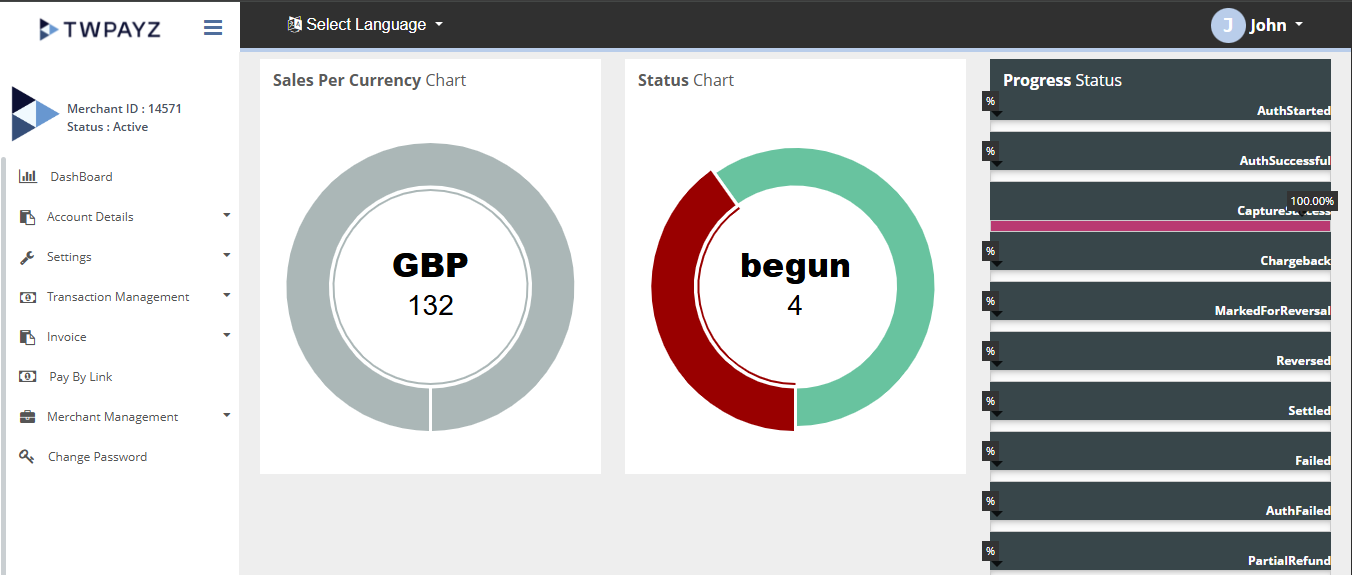
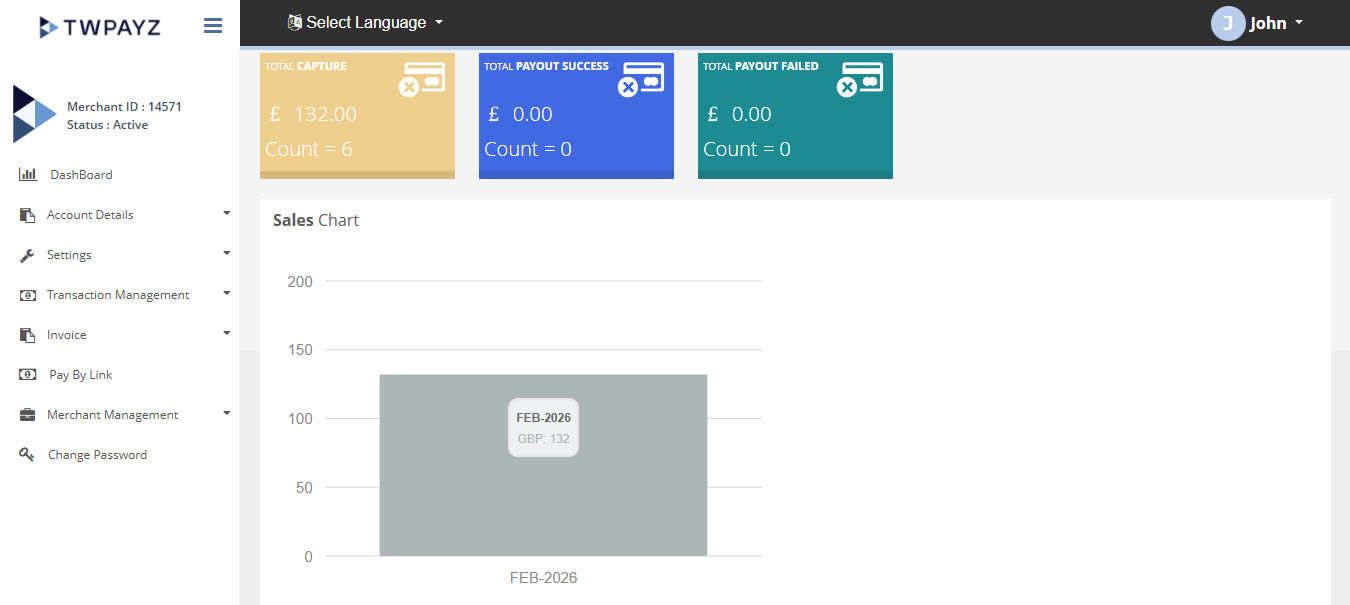
The Dashboard provides a graphical overview of your transaction activity over the past six months, enabling you to monitor transaction trends and performance at a glance.
How to Access the Dashboard?
After logging in to the Merchant Backoffice, click on the Dashboard option in the left-hand navigation menu. This will open the Dashboard page, where you can view a graphical overview of your transaction activity for the past six months.
Result Details
You can access the transaction details based on below criteria:
- - sales chart
- - sales per currency chart
- - status chart
- - progress status
- - Ecom Transaction
- - POS Transaction
Dashboard