Settings
Click Settings in the top navigation bar. There are two tabs: Profile and Documents.
Profile Tab
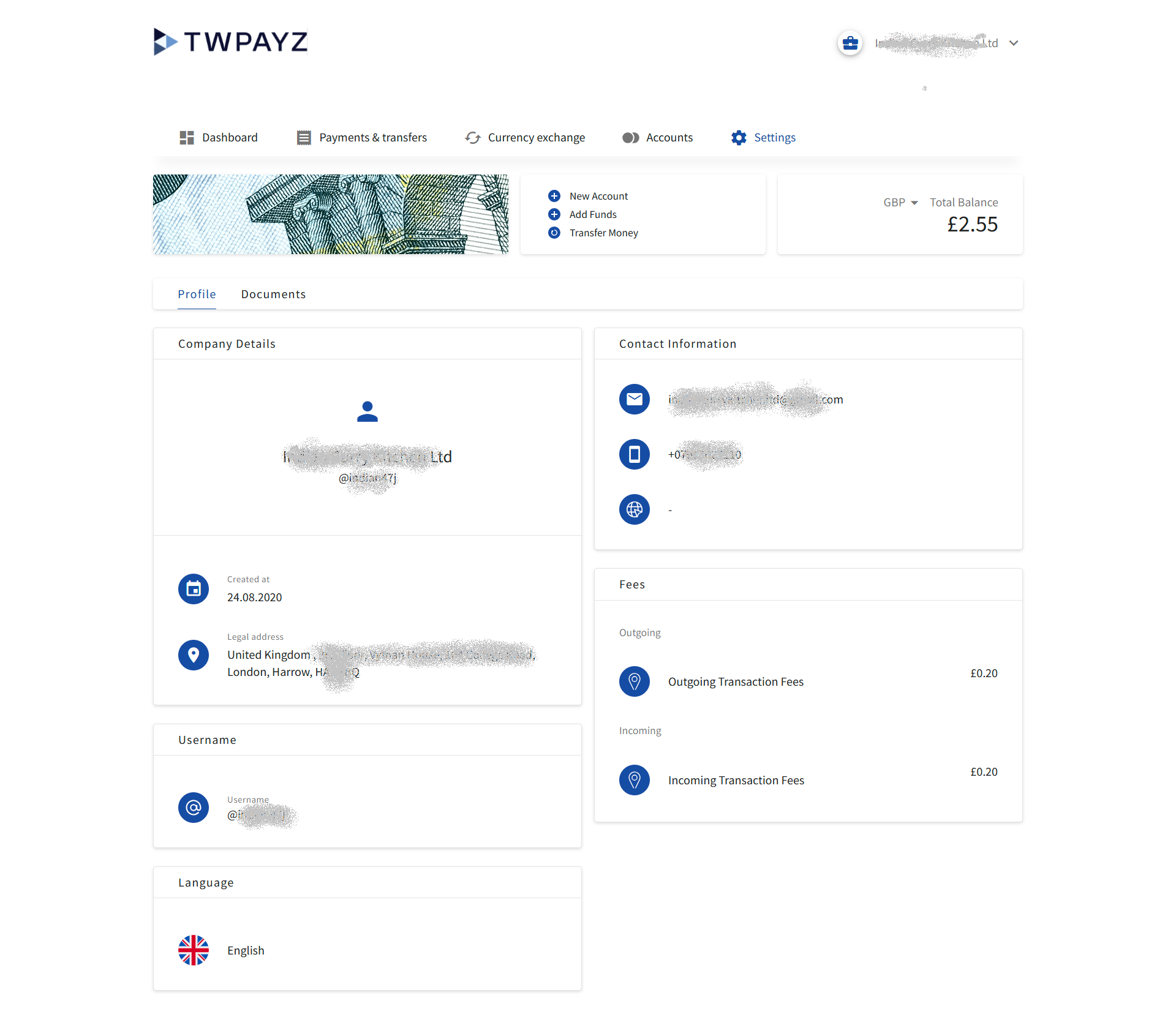
The Profile tab shows the information associated with your business account. Most fields are read-only — they were set during the onboarding process. To update any read-only field, contact your Account Manager.
Company Details
| Field | Description |
|---|---|
| Company name | Your registered business name as submitted during account opening. Read-only. |
| Username (@handle) | Your unique portal username, displayed with an @ symbol. Read-only. |
| Created at | The date your TWPayz Business Account was opened. Read-only. |
| Legal address | Your registered business address as provided during onboarding. Read-only. Contact your Account Manager to update. |
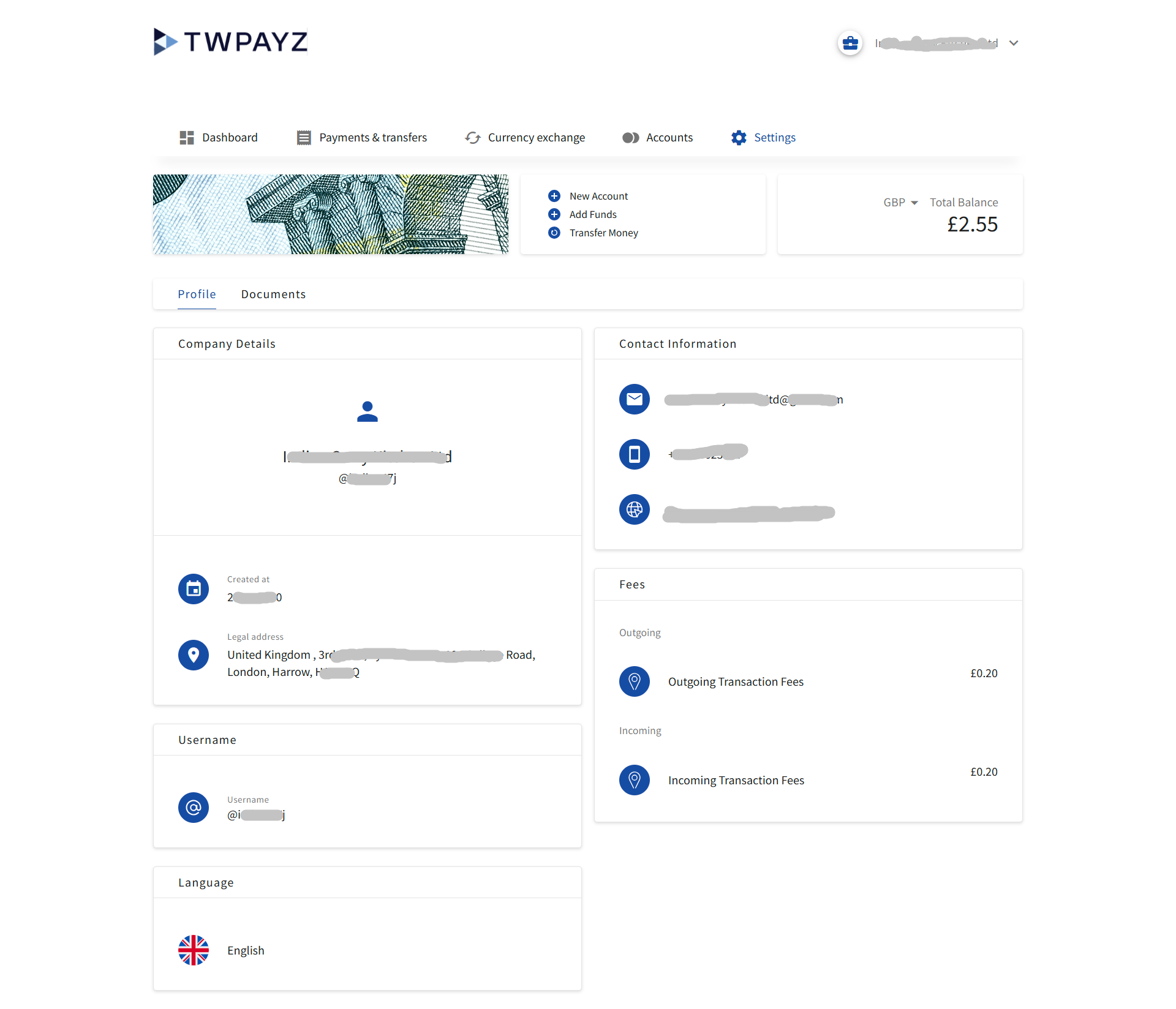
Contact Information
| Field | Description |
|---|---|
| The primary email address registered to this business account. Used for account notifications and communication from TWPayz. Read-only. Contact your Account Manager to update. | |
| Phone | The phone number registered to this account. Read-only. Contact your Account Manager to update. |
| Website | Your company website URL, if provided during onboarding. Shown as a dash (–) if not provided. |
Fees
This panel shows the transaction fee rates applied to your account, as agreed when it was opened. These rates are fixed and read-only.
| Fee type | Description |
|---|---|
| Outgoing Transaction Fees | The fee charged per outgoing payment you make (UK local, international, or other). Shown as a fixed amount per transaction (e.g. £0.20). |
| Incoming Transaction Fees | The fee charged when funds are received into your account (e.g. £0.20 per incoming payment). |
Fees are deducted automatically and will appear as separate line items in your transaction History labelled as "Outgoing local transfer fee" or "Incoming local transfer fee". If you have questions about your fee structure, contact your Account Manager.
Username
Displays the email address used to log in to the portal. This is your account username and is read-only. If you need to change your login email, contact support.
Language
Shows the current display language for the portal. The default setting is English. Click the language to change the portal interface language if other options are available for your region.
Documents Tab
The Documents tab provides access to any account-level documents that TWPayz has made available to you. Documents are added by your Account Manager and may include:
- Your account agreement or service agreement
- Fee schedule (detailed breakdown of all applicable charges)
- Monthly or periodic account statements
- Terms and conditions
- Any correspondence related to your account
Click any document name to download it as a PDF. If a document you expect to see is not listed, contact your Account Manager or support to have it uploaded.