Logging in
Accessing the Portal
Your TWPayz Business Account is managed entirely through the secure online portal. Open any web browser and navigate to:
https://client.twpayz.com
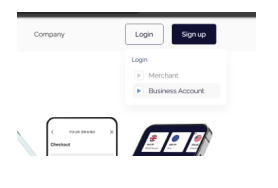
We recommend bookmarking this address. You can also access it directly from the link in your welcome email.
The Sign In Screen
The sign in page displays the TWPayz logo with a Login tab and a Sign up tab at the top. Make sure you are on the Login tab, then complete the two fields below.
| Field | What to enter |
|---|---|
| The email address provided in your welcome letter. This is your permanent login username. | |
| Password | Your temporary password from the welcome letter on first login. Use the eye icon on the right edge of the field to toggle password visibility. |
Click Sign In to proceed. On a successful login you will be taken to your account home screen.
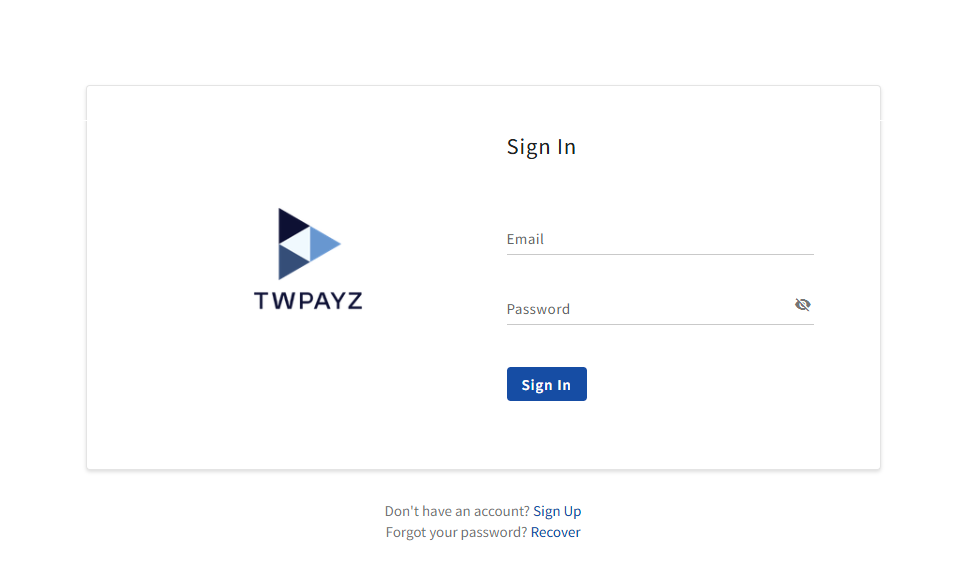
Forgot your password? Click the Recover link below the Sign In button. Enter your registered email address and a password reset link will be sent to you. Check your spam folder if it does not arrive within a few minutes.