Void
Cancel a transaction before settlement.
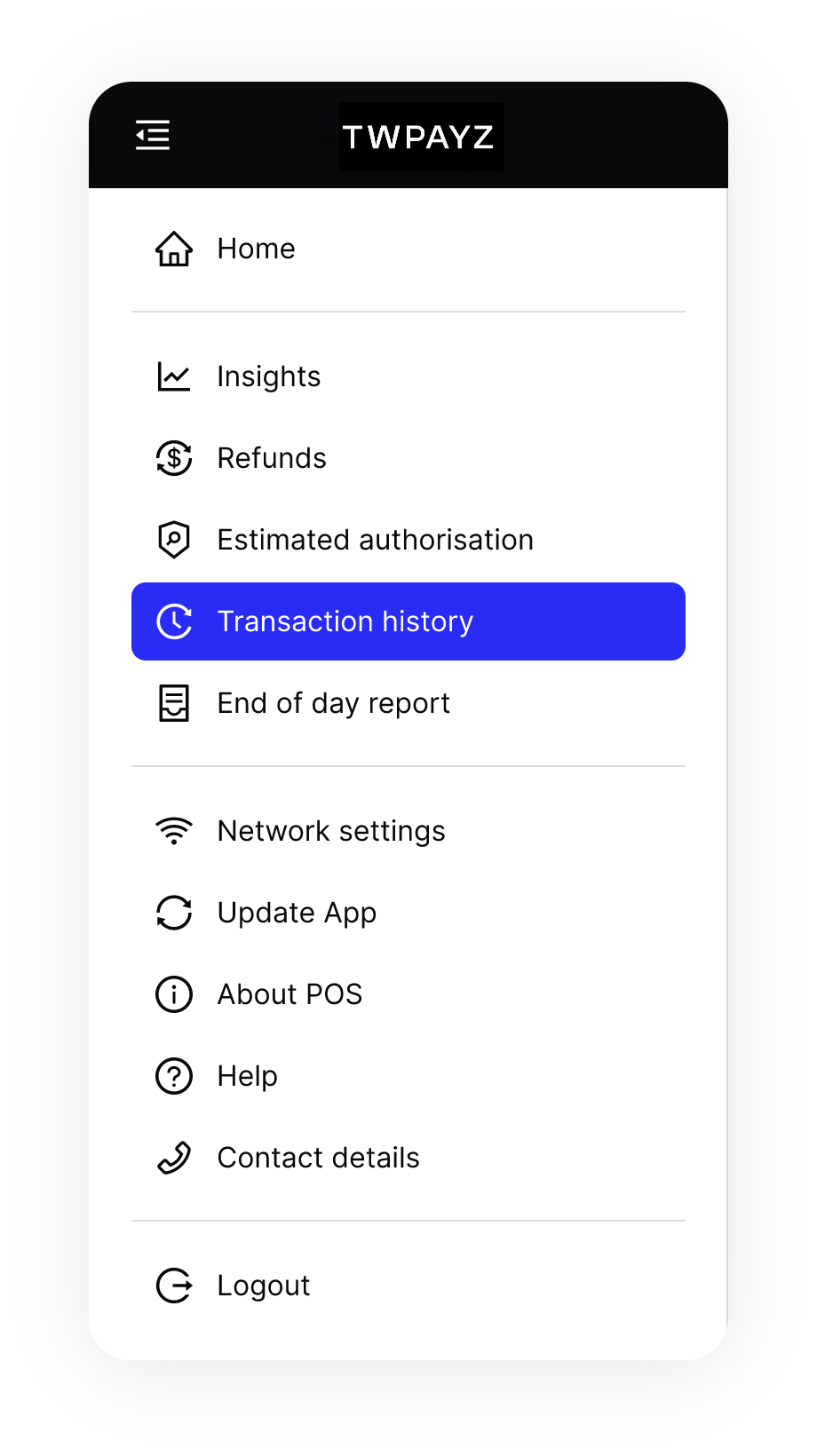
- On the home screen, tap the icon in the top left to open the menu.
- In the menu, tap Transaction history.
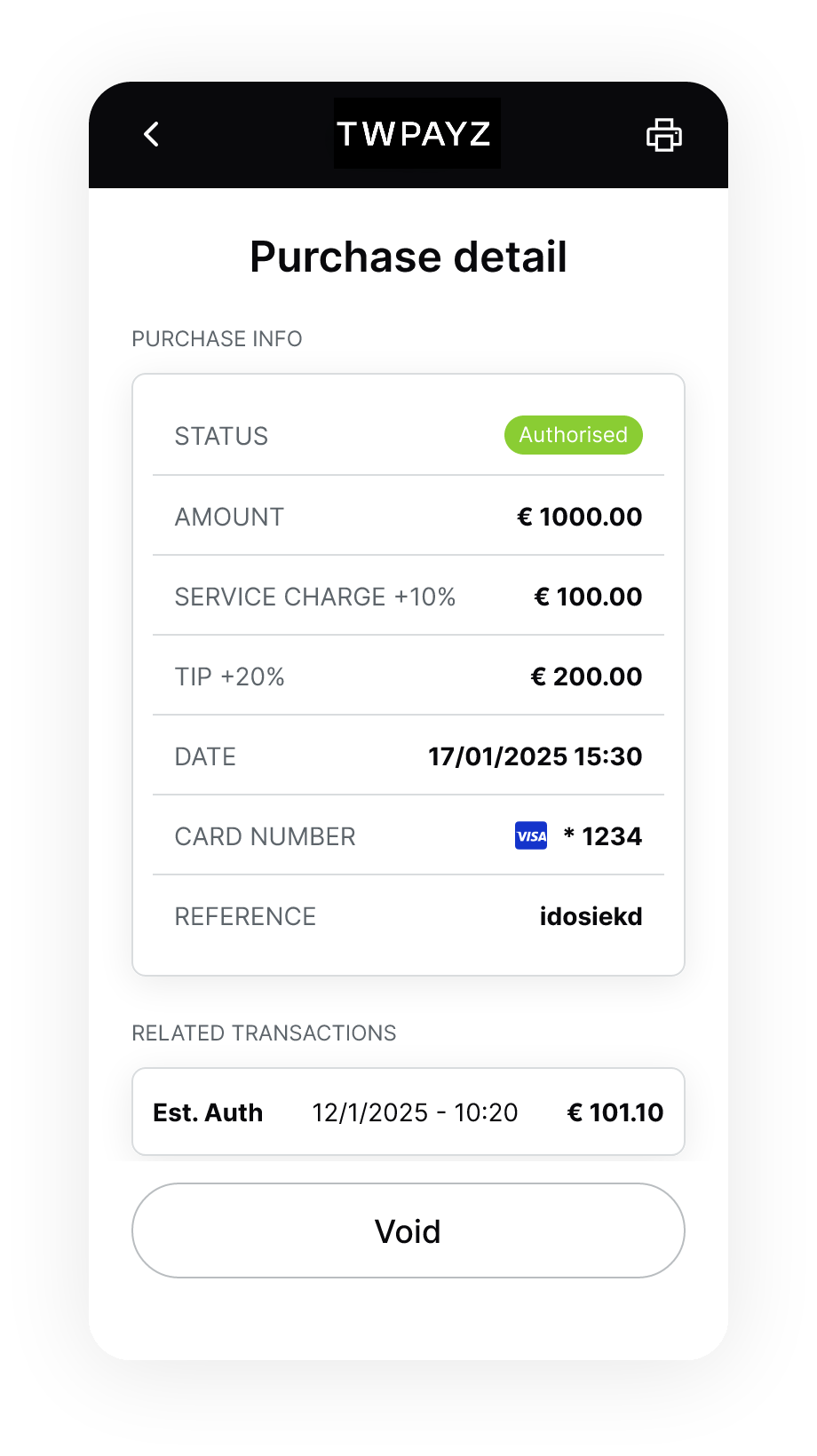
- Tap the transaction you want to void.
- On the transaction detail screen, tap Void. The terminal begins processing the void request.