Keyed entry
Manually enter card details if the card can't be read.
The customer must be physically present.
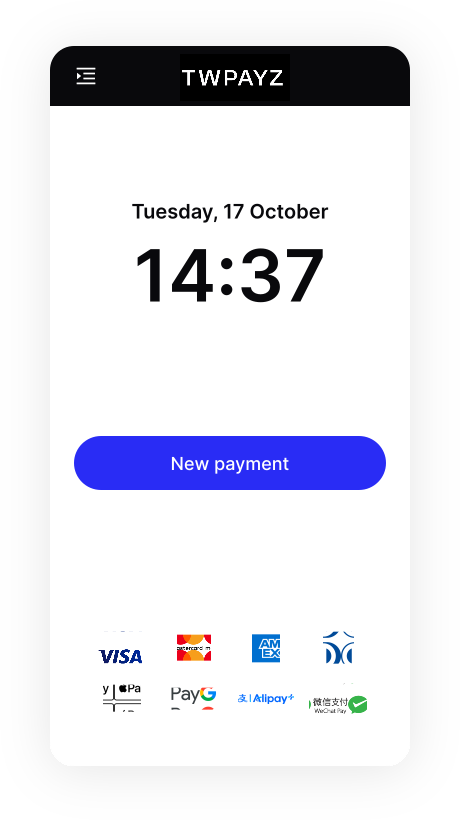
- On the Home screen, tap New payment.
- Select Purchase or Estimated auth and enter the transaction amount. You can also edit the auto-filled reference if needed.
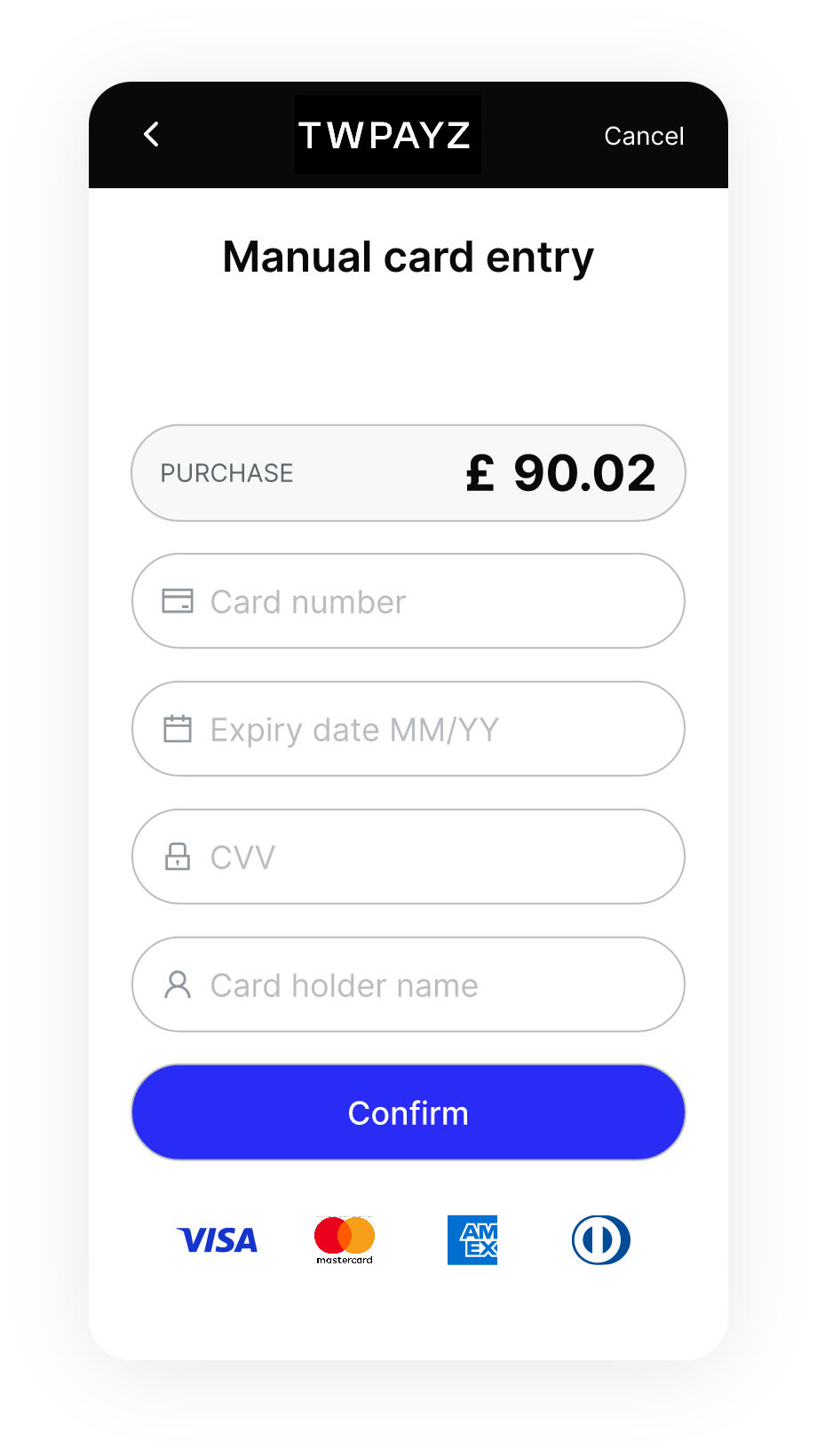
- Select Manual card entry as the payment method.
- Ask the customer for their card details, then enter them manually.
- Tap Confirm. The terminal begins processing the payment. If required, the customer is prompted to enter their PIN.