Refund
Perform a standalone refund.
Perform a refund
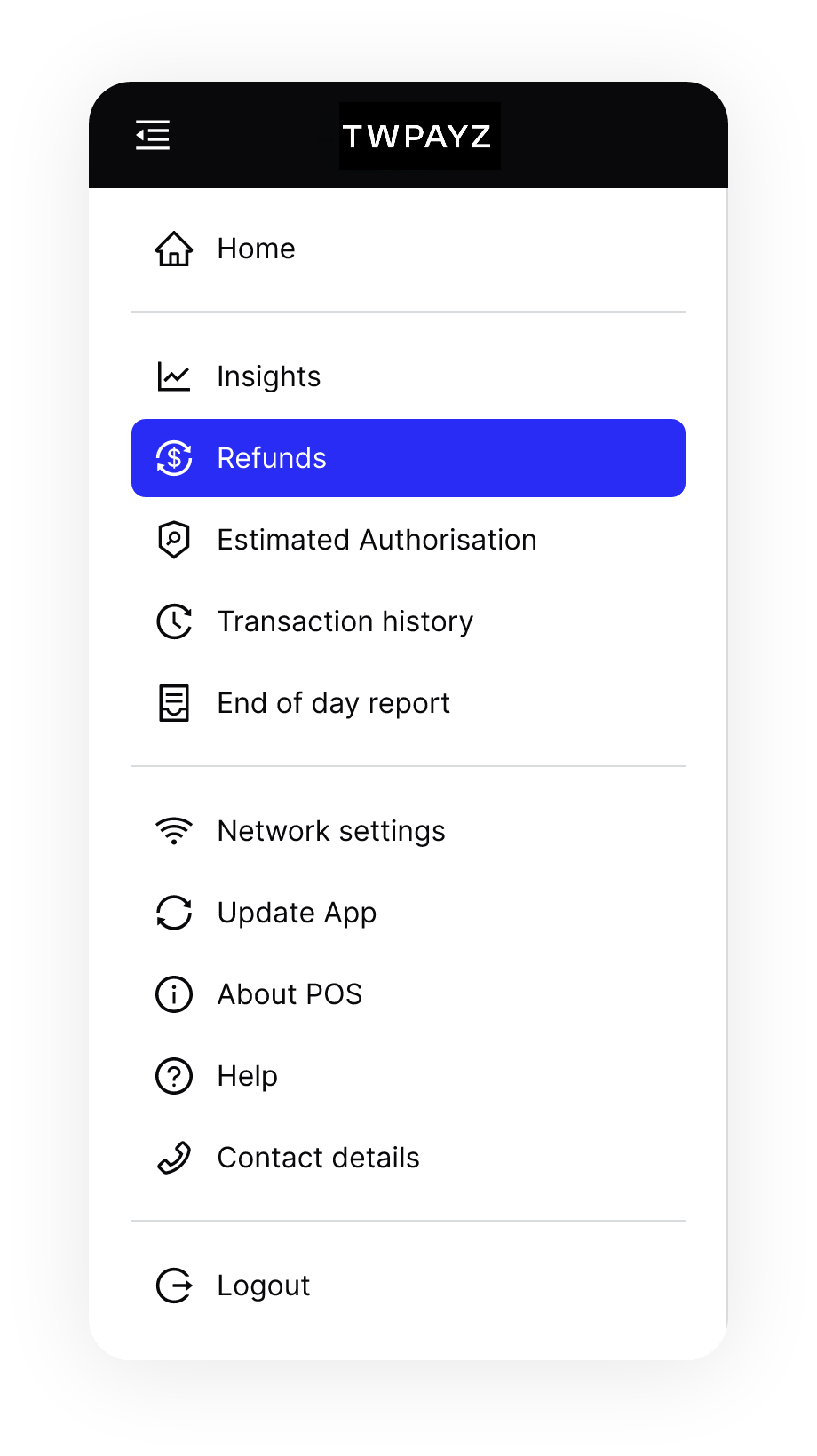
- On the home screen, tap the icon in the top left to open the menu.
- In the menu, tap Refunds.
- Tap Start a refund.
- If prompted, enter the required PIN.
- Enter the refund amount, then tap Refund to continue.
- Ask the customer to tap or insert their card. The terminal begins processing the refund.