Configure network settings
Update your Wifi or mobile data settings directly from the app.
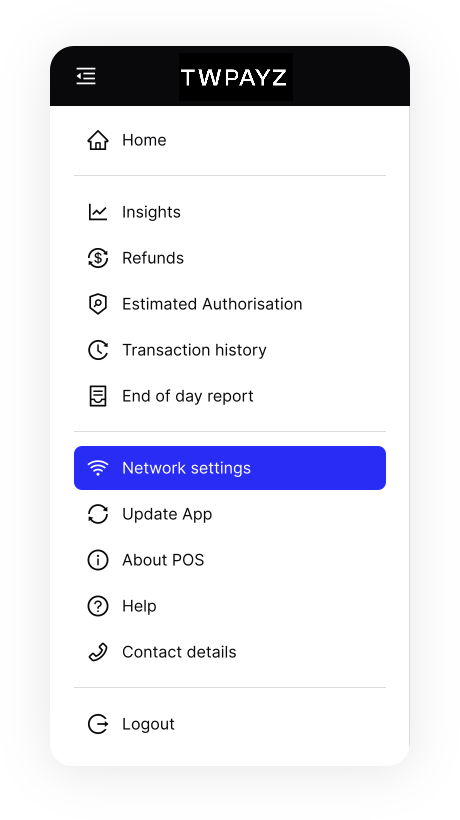
- On the home screen, tap the icon in the top left to open the menu.
- In the menu, tap Network settings.
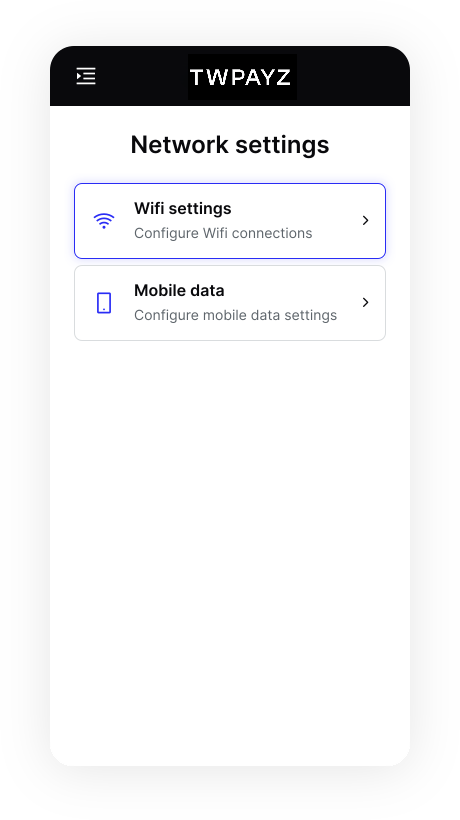
- Select a type of connection:
- Choose Wifi settings to connect to a local wifi network. You'll be taken to the Castles wifi selection screen.
- Choose Mobile data to enable/disable mobile network connectivity (if a SIM is present).